
How to Sell on Instagram Without a Website (Free 5-Step Guide)
Yes, you can sell on Instagram without a website: you need a page for products, a way to take orders and a way to get paid. A free bio-link shop covers all three in five steps. 0% MinglyLink fee: buyers pay you directly (cash, transfer or your payment link).
Founder, MinglyLink
| Way to sell | What you need | How buyers order | How you get paid | Order tracking |
|---|---|---|---|---|
| DMs or WhatsApp | Your Instagram account | By message | However you and the buyer agree | You keep track yourself |
| Instagram Shops1, 2 | A website with its own checkout: since September 2025, Shops send buyers to your site to pay | On your website | Through your website’s checkout | In your website’s order system |
| A shop in your bio link (MinglyLink) | A free page at ming.ly/yourname | They add items to a cart and place one order on your page | 0% MinglyLink fee: buyers pay you directly (cash, transfer or your payment link). | An orders dashboard; the buyer gets an email at each step |
Numbers point to Meta’s help pages below. The five steps after this table set up the third option; where it tops out is covered at the end.
1 Is Selling Without a Website Actually Possible?
Instagram already does the hardest part of e-commerce for you: it puts your products in front of people. What it doesn't give you is the plumbing — somewhere to list prices, a way for a customer to say "I'll take it," and payment. A website is one way to add that plumbing. It's also the most expensive and slowest way to start: themes, hosting, apps, and a checkout flow that a 40-follower shop doesn't need yet.
The alternative stack that small shops actually run: bio-link storefront + chat ordering + simple payments. Every piece is free, and you can set the whole thing up in an evening. Let's build it.
2 How to sell on Instagram without a website in 5 steps
The whole setup takes about half an hour and mirrors exactly how MinglyLink works today: a free page, the shop switched on, your own payment link, one URL in your bio, and an Orders page in the studio. There is no checkout to configure, because MinglyLink doesn't process payments — buyers pay you through the link you already use.
Step 1: Create a free MinglyLink page and claim ming.ly/yourname
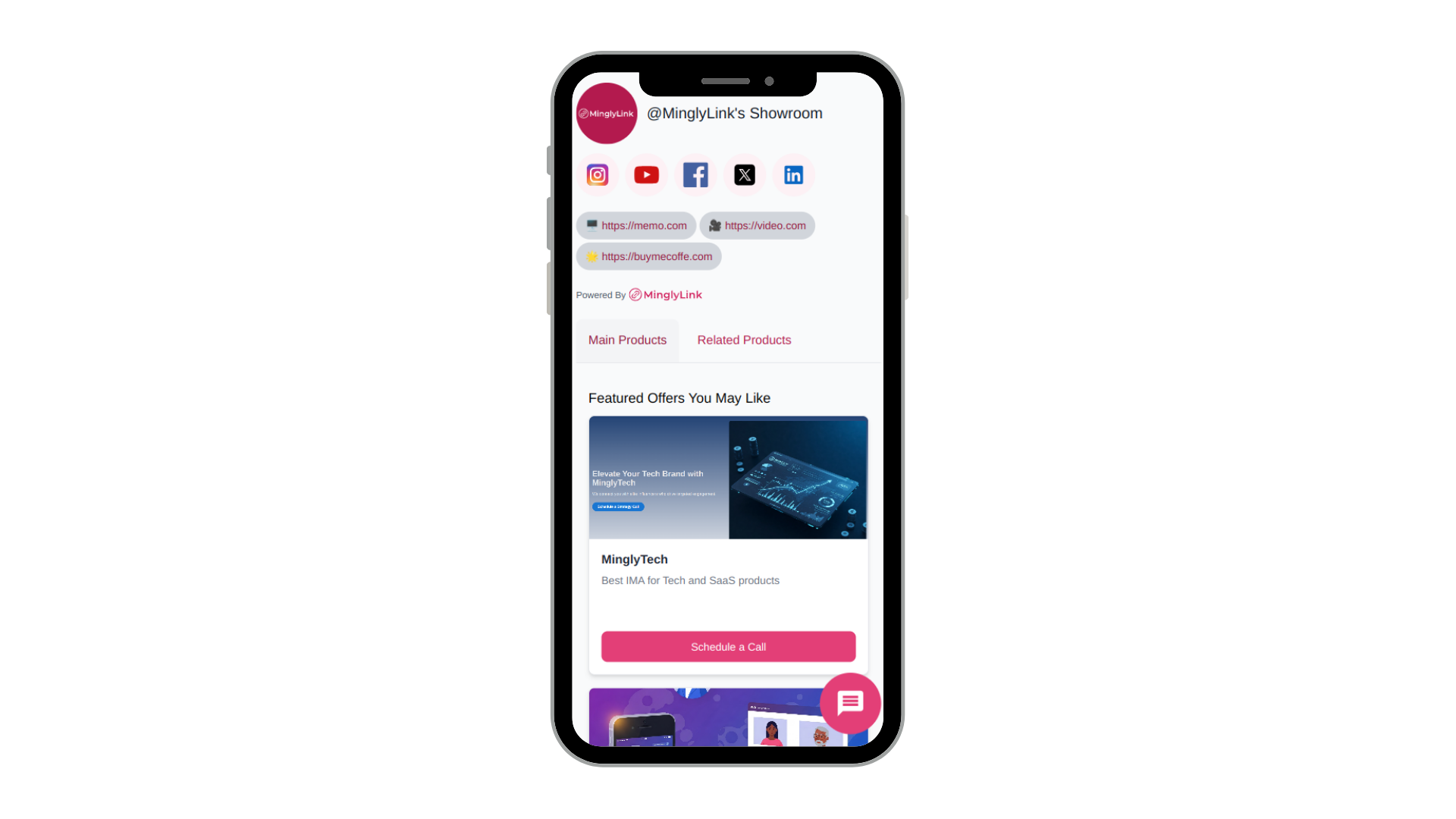
Sign up free, pick a username and you get a short URL like ming.ly/yourname. This one page will hold your products, your other channels and your contact buttons — it is the “website” your Instagram bio points at.
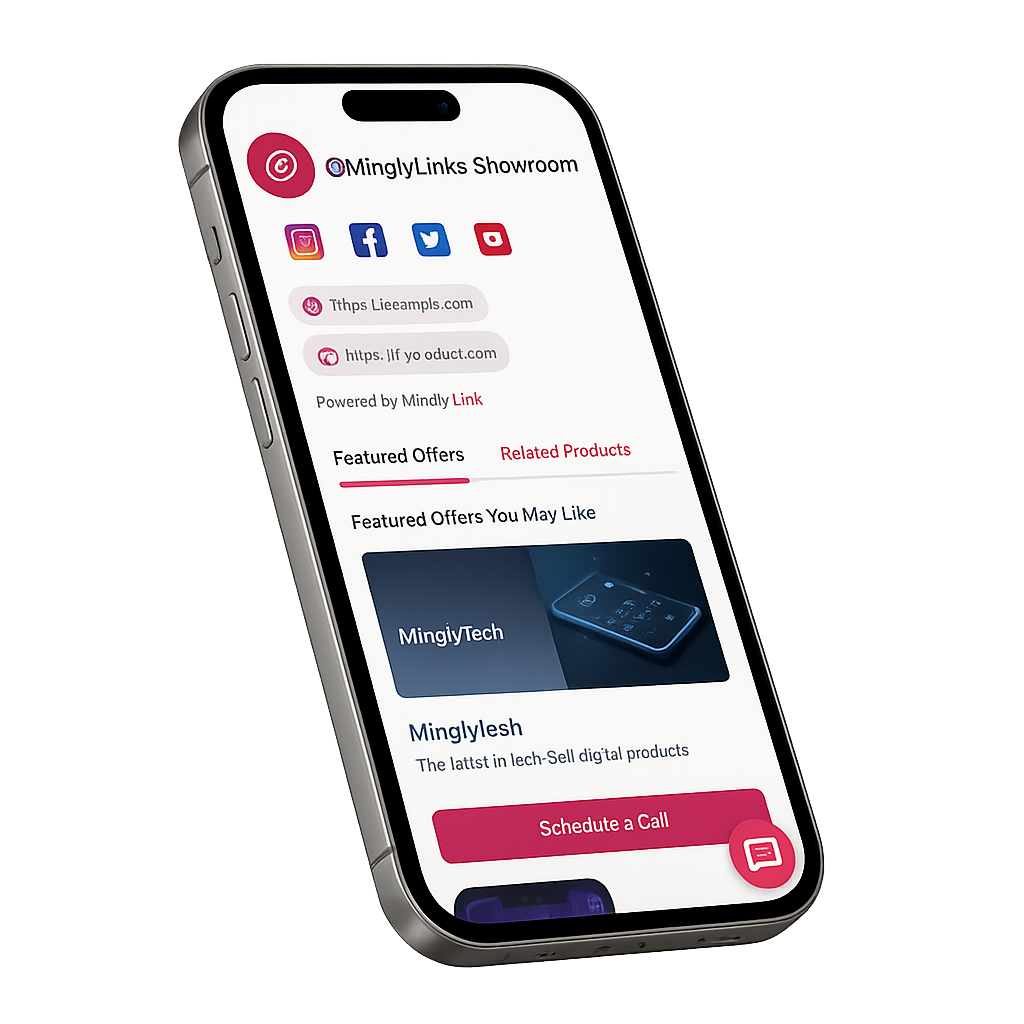
Step 2: Enable the shop in Settings and add a product
In the studio, open Settings and switch the shop on, then add your first product: a title, a price, your currency and a photo (the ones you already posted on Instagram work). Physical items and digital downloads both go in the same way.
Step 3: Add your payment link so buyers know how to pay
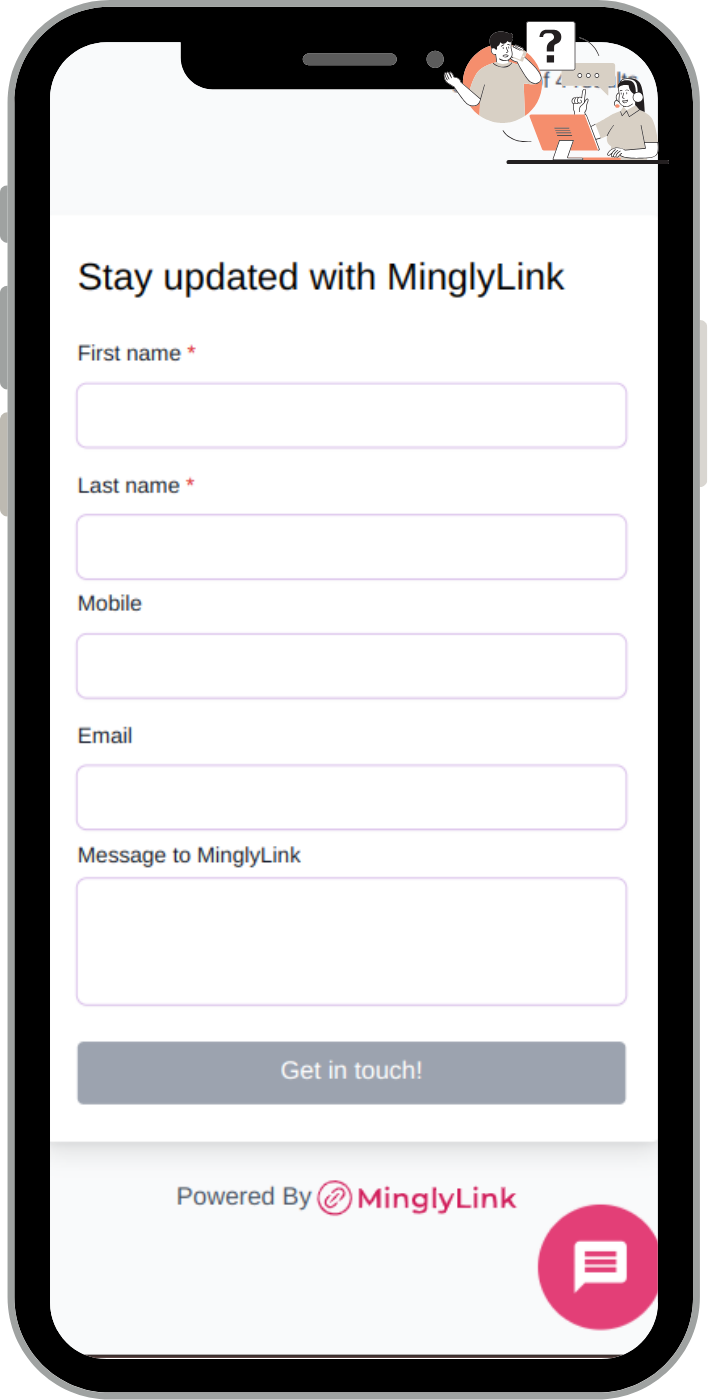
MinglyLink does not process payments: buyers pay you directly, however you agree. Add your payment link (from a provider that serves sellers in your country) or your bank details as a link on your page and in your saved WhatsApp reply, so every buyer knows exactly how to pay you.
Step 4: Put ming.ly/yourname in your Instagram bio
Paste your ming.ly URL into the website field of your Instagram profile, then mention it in captions and stories (“full catalogue — link in bio”). Followers tap once and land on your shop.
Step 5: Manage orders in the studio Orders page
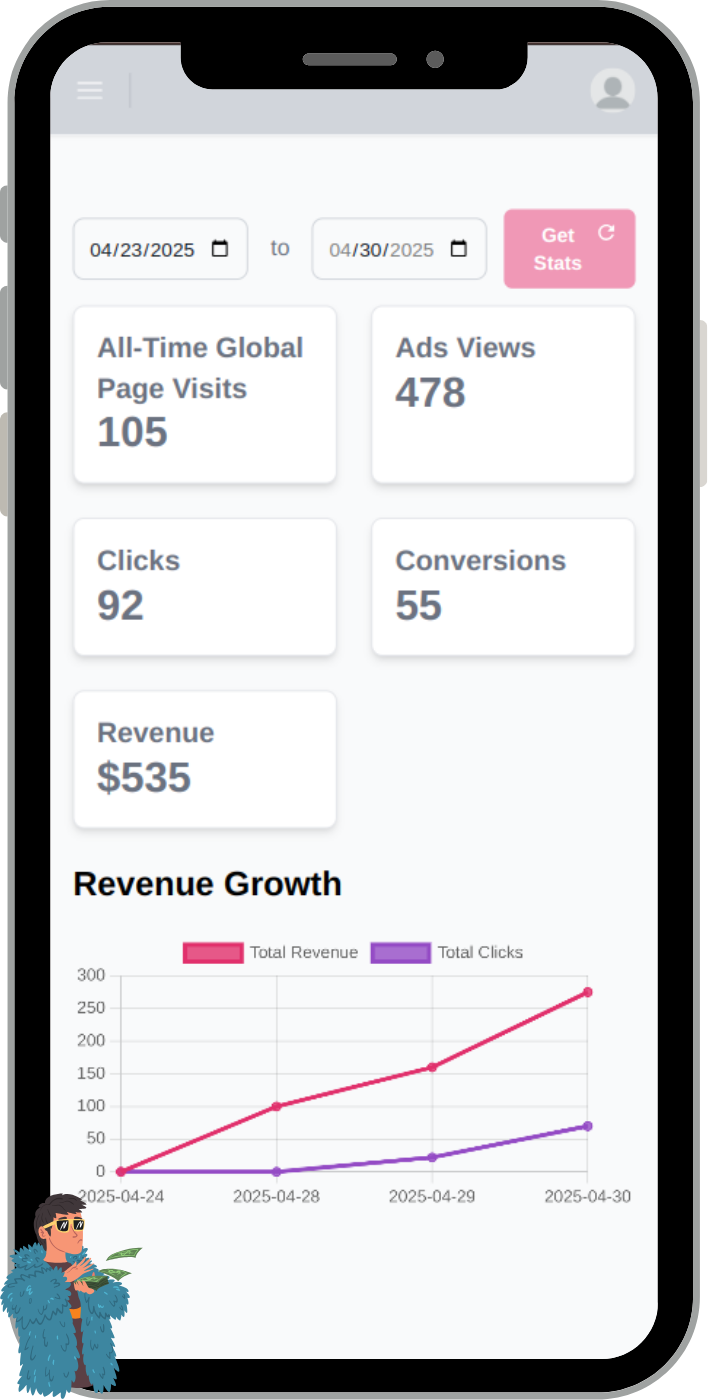
Visitors add items to the cart and place an order on your page. Each order, with the buyer’s details, appears in the studio Orders page: move it from Pending to Confirmed, Preparing, Shipped and Delivered as you go, and deliver digital files yourself.
That's the complete loop. The rest of this guide is about making each step work harder — and about the ceiling of this stack.
3 Turn Your Bio Link Into a Storefront
Instagram lets you add up to five links to your profile, but one link that leads to everything is still the simplest setup. Point it at a free MinglyLink page and that link becomes a storefront: product listings with photos and prices, your other channels, and contact buttons — all on a page that loads fast on the phones your followers are using. Think of it as a free Shopify alternative for selling from your bio: no theme, no apps, no monthly plan — just your products and a way to order them.
A handful of products is fine to start — photos you already posted on Instagram work, with a clear price and one sentence of description. The mechanics of structuring that page — what goes first, link order, common mistakes — deserve their own guide: see Instagram Shop Link in Bio. If you sell digital products specifically (presets, templates, e-books), the flow is slightly different and covered in how to sell digital products on Instagram.
4 Take Orders on WhatsApp (Chat Commerce)
Without a checkout, the order happens in conversation — and that's a feature, not a workaround. Questions get answered before they become abandoned carts, you can upsell naturally, and the customer leaves with your number in their chat history.
Weighing chat orders against a shop, Instagram’s own tools or a full store? Our guide to taking and managing Instagram orders compares seven setups.
Make starting that conversation effortless: create a free wa.me link for your number with a pre-filled message like "Hi! I'd like to order." and put it on your bio page as an "Order on WhatsApp" button. One tap from Instagram to an open chat with the order half-written. (Curious how those links work under the hood? Here's the wa.me format explained.)
Keep a saved reply ready on your side too — confirming item, price, delivery, and payment in one message makes you look like a shop, not a hobby.
5 Getting Paid Without a Checkout
Match the payment method to your situation rather than forcing a full checkout on day one:
- Payment links — most payment providers let you generate a link or invoice for a fixed amount; send it in the WhatsApp chat and the customer pays by card.
- Peer-to-peer transfers — where culturally normal (local sales, small amounts), instant transfer apps close the sale fastest.
- Cash / pay on delivery or pickup — still the default for local delivery in many markets, and it requires zero setup.
- On-page orders — MinglyLink's shop lets visitors add several items to a cart and place an order on the page itself, so the chat step becomes optional rather than required. You're still paid through the link you listed in step 3.
MinglyLink takes 0% of your sales. Buyers place the order on your page and pay you directly, however you agree: cash on delivery, bank transfer or your own payment link, outside MinglyLink. When card payments through MinglyLink launch, they will carry the card processor’s fee plus a small MinglyLink fee; orders paid to you directly stay at 0%.
Whichever you choose, say it upfront on the page and in your saved reply — payment friction is where chat sales die.
6 When You Eventually DO Need a Website
Honesty over hype: this stack has a ceiling, and you should know where it is before you hit it.
- Order volume — when confirming orders in chat eats hours daily, you need automated checkout, inventory, and shipping rates.
- Catalog size — dozens of SKUs with variants outgrow a scrollable page; you'll want search, filters, and collections.
- SEO ambitions — ranking for product searches on Google takes dedicated landing pages a bio-link page isn't built for.
- Wholesale and B2B — larger buyers expect a website as a trust signal.
Until one of those is true, the free stack isn't a compromise — it's the right size. And because your Instagram bio points at your own page URL, upgrading later means changing where buttons lead, not rebuilding your presence.
7 Selling From the UK
Everything above works the same in the UK. Each shop sells in one currency you choose from 30, including GBP, EUR, CHF, USD, CAD, SAR and AED; prices, orders and emails show it. Set it to pounds (GBP) before you add products. Payments to businesses inside WhatsApp aren’t available in the UK1, and Instagram Shops are in beta here and send buyers to your own website to pay2, 3.
MinglyLink doesn’t calculate, add or collect sales tax or VAT: buyers see the prices you enter. MinglyLink itself is a UK company: MinglyLink Ltd, registered in England and Wales (Company No. 16484762).
UK rules for you as the seller
These are your duties as the seller, not MinglyLink’s: MinglyLink provides the page and the order tools, and the sale is between you and your buyer.
- Who you are: before the buyer orders, give your name or trading name and the address you trade from, plus your phone number and email address where you have them. Online, keep your name, address and email easy to find, with your company number and VAT number if you have them, and say whether prices include VAT and delivery (Consumer Contracts Regulations 2013, Schedule 2; Electronic Commerce Regulations 2002, reg. 6).1, 2
- Order button: if placing an order means the buyer has to pay, the button must say “order with obligation to pay” or something equally clear; otherwise the buyer isn’t bound by the order (Consumer Contracts Regulations 2013, reg. 14).3
- Cancellation: buyers can cancel without giving a reason, from the moment they order until 14 days after the day the goods reach them. If you don’t tell them about this right, the period runs up to 12 months longer. Refund them within 14 days of getting the goods back (or proof of return), including standard delivery, by the same payment method (regs 29–31 and 34).4, 5, 6, 7
- Cancellation form and confirmation: give buyers a standard cancellation form, and confirm the contract as soon as possible, for example by email, and no later than delivery.8
- VAT: register for VAT when your taxable turnover for the last 12 months goes over £90,000, or you expect it to go over £90,000 in the next 30 days.9, 10
- The goods: what you sell must be of satisfactory quality, fit for a purpose the buyer told you about, and as described; what you write about a product becomes part of the contract (Consumer Rights Act 2015, ss. 9–11).11, 12, 13
General information, not legal or tax advice.
8 Frequently Asked Questions
How can I sell products on Instagram without having a website?
Put a shop in your Instagram bio link. Instagram is where people find you; beyond it you need a place to show products, a way to take orders and a way to get paid. On a free MinglyLink page, buyers add products to a cart and place an order on the page, every order lands in your Orders dashboard, and you’re paid directly by payment link, bank transfer or cash on delivery.
Is it possible to handle customer orders on Instagram without a website?
Yes. Every order lands in your orders dashboard, where you move it from Pending to Confirmed, Preparing, Shipped and Delivered, or cancel or reject it. The buyer gets an email when they order, with a tracking link, and one each time you update the order. Replies go to you. Orders taken only in chat work too, but you track them by hand.
What tools help manage inventory and orders from Instagram DMs?
For orders, a form beats DMs: a link-in-bio shop such as MinglyLink collects the items, quantities and the buyer’s details in one dashboard instead of chat threads. MinglyLink has no stock count yet, so update or remove a product when it sells out; if you sell the same stock in several places, a full store such as Shopify tracks it for you.
What legal considerations should I keep in mind when selling on Instagram without a website?
General information, not legal advice. In the UK, tell buyers who you are and where you trade from, let them cancel until 14 days after the goods arrive and refund them within 14 days of getting the goods back, make the order button show that ordering means paying, register for VAT once your turnover passes £90,000 in 12 months, and sell goods that match their description. The UK notes on this page link the official sources.
Can I sell on Instagram for free?
Yes. A MinglyLink page with the shop enabled costs nothing: no subscription, no listing fees and a 0% MinglyLink fee on sales. Buyers pay you directly: a card payment link carries its provider’s fee, and a bank transfer or cash on delivery can cost nothing.
Where does the money go?
MinglyLink takes 0% of your sales. Buyers place the order on your page and pay you directly, however you agree: cash on delivery, bank transfer or your own payment link, outside MinglyLink. When card payments through MinglyLink launch, they will carry the card processor’s fee plus a small MinglyLink fee; orders paid to you directly stay at 0%. In practice: the order lands in your studio Orders page, the buyer pays you through the link you listed, and you deliver the item.
How do I take orders on Instagram without a checkout?
Two routes that work together. On your MinglyLink page, visitors add products to a cart and place an order, which lands in your Orders page. For anything that needs a conversation first, a wa.me link opens a WhatsApp chat where the customer says what they want, you confirm price and delivery, and send your payment link. It scales surprisingly far before you need automation.
Is a link-in-bio store free?
MinglyLink is free: your links, product listings with an on-page cart and order system, bookings and analytics, with no subscription. Some alternatives charge monthly or take a percentage of every sale for the same features, so compare before committing your printed materials and bio to a URL.
How do I set up an Instagram shop without a website?
Instagram Shops itself needs one: since September 2025, Meta’s Shops send buyers to your own website to pay, so a shop needs a checkout URL. Without a website, put a shop behind your bio link instead: products, a cart and orders on one free page, with buyers paying you directly.
When should I upgrade to a real website?
When one of these hits: you need a full automated checkout with cart and shipping rates, your catalog outgrows a single scrollable page, you want serious SEO landing pages, or wholesale/B2B buyers expect one. Until then, a website mostly adds cost and maintenance without adding sales.