
Email list: collect subscribers on your bio page
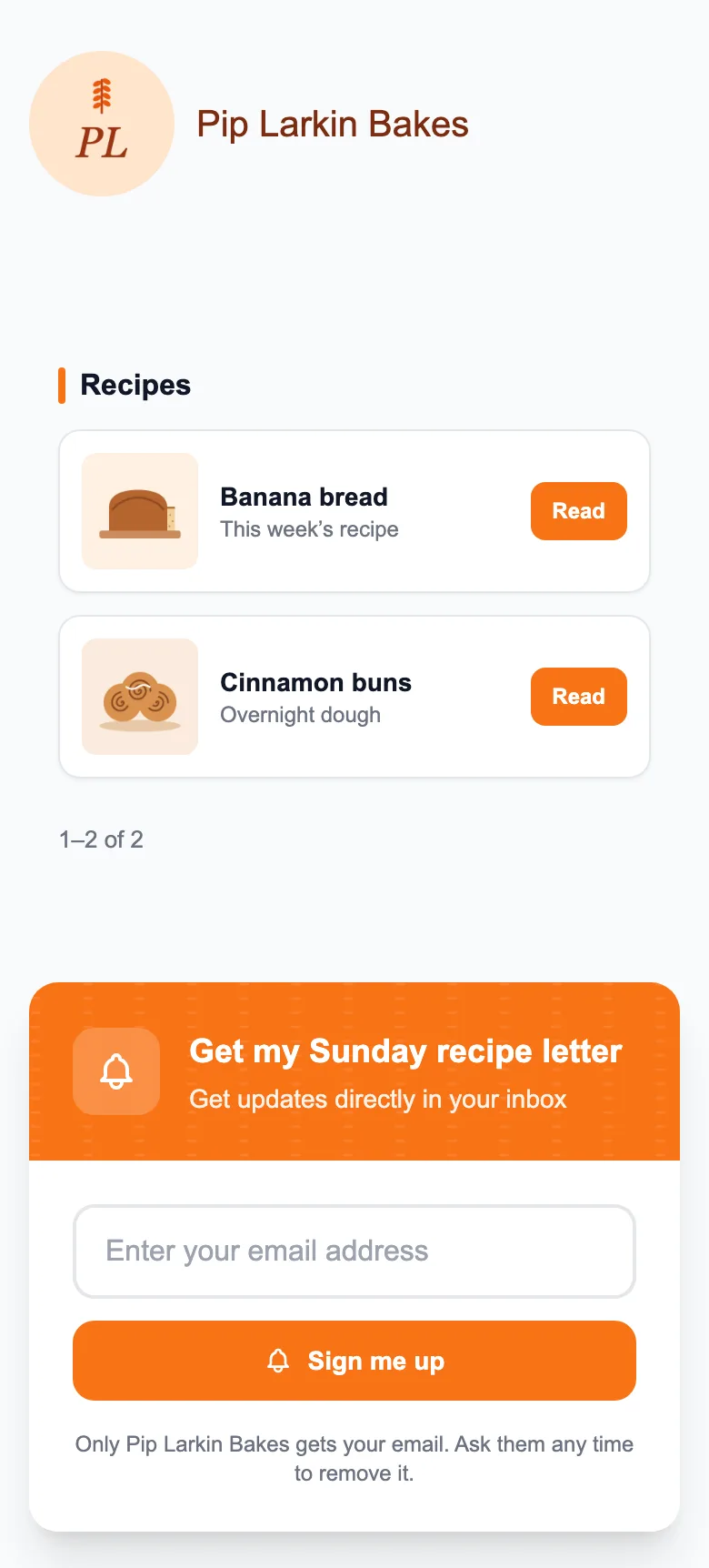
Turn on Email Subscription and visitors can leave their email on your MinglyLink page. Every subscriber appears in Studio, and you can download the list as a CSV for your email tool. It is free on the one plan; MinglyLink doesn’t send newsletters to your list.
What it does
- Collect email addresses (with CSV export) and messages through a contact form.
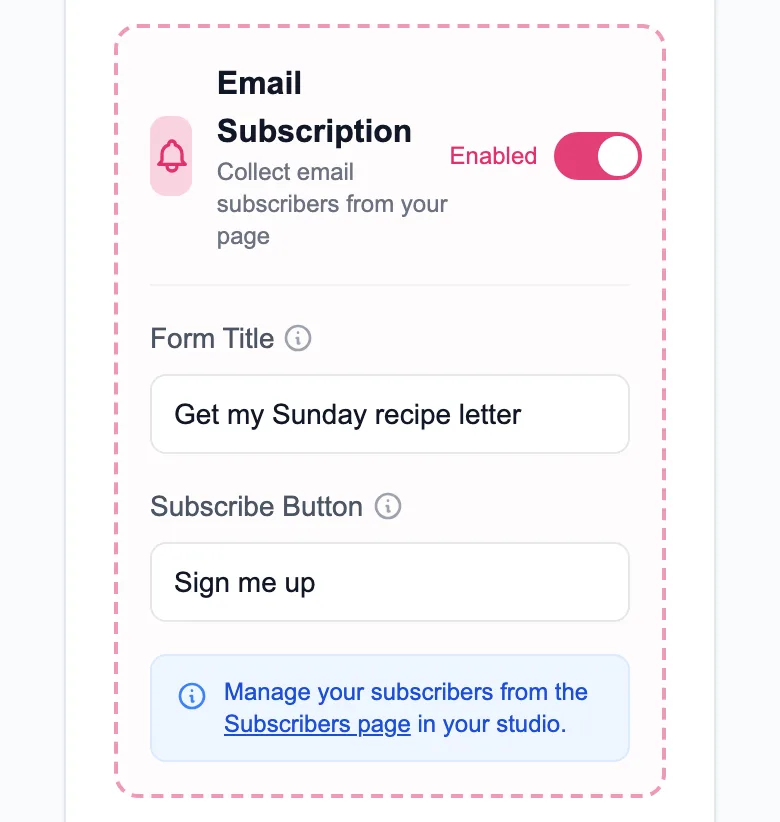
- You write the form’s text and button label yourself.
- Each new subscriber gets one email with a confirmation link, valid for 3 days; only confirmed addresses appear in your list and CSV.
- Each email can subscribe once per page, and you can delete a subscriber at any time.
- A note under the form tells visitors they’ll get one email to confirm, that only you get their email, and that they can ask you to remove it.
Limits
- MinglyLink doesn’t send newsletters: download the CSV and import it into your email tool.
- There is no consent checkbox on the form.
- The subscriber’s IP address is stored with the email, and so are the time and IP address of the confirmation.
Set it up
- In Studio → Settings, turn on Email Subscription and write the form text and button label.
- Share your page: the form appears on it.
- Open Studio → Subscribers to see the list and download it as a CSV.
Frequently asked questions
Can I email my subscribers from MinglyLink?
No. MinglyLink collects the addresses; you download them as a CSV and send your emails from your own email tool.
Can I export my list?
Yes. Studio → Subscribers has a CSV download of every subscriber’s email.
Is there double opt-in?
Yes. Each new subscriber gets one email with a confirmation link, and only confirmed addresses appear in your list and CSV export. Subscribers who joined before double opt-in stay on your list. There is no consent checkbox on the form.
Every feature is on the one free plan
Links, a shop, orders, booking and an email list on one page.
Create your free page