
Impressum field: your legal notice in the page footer
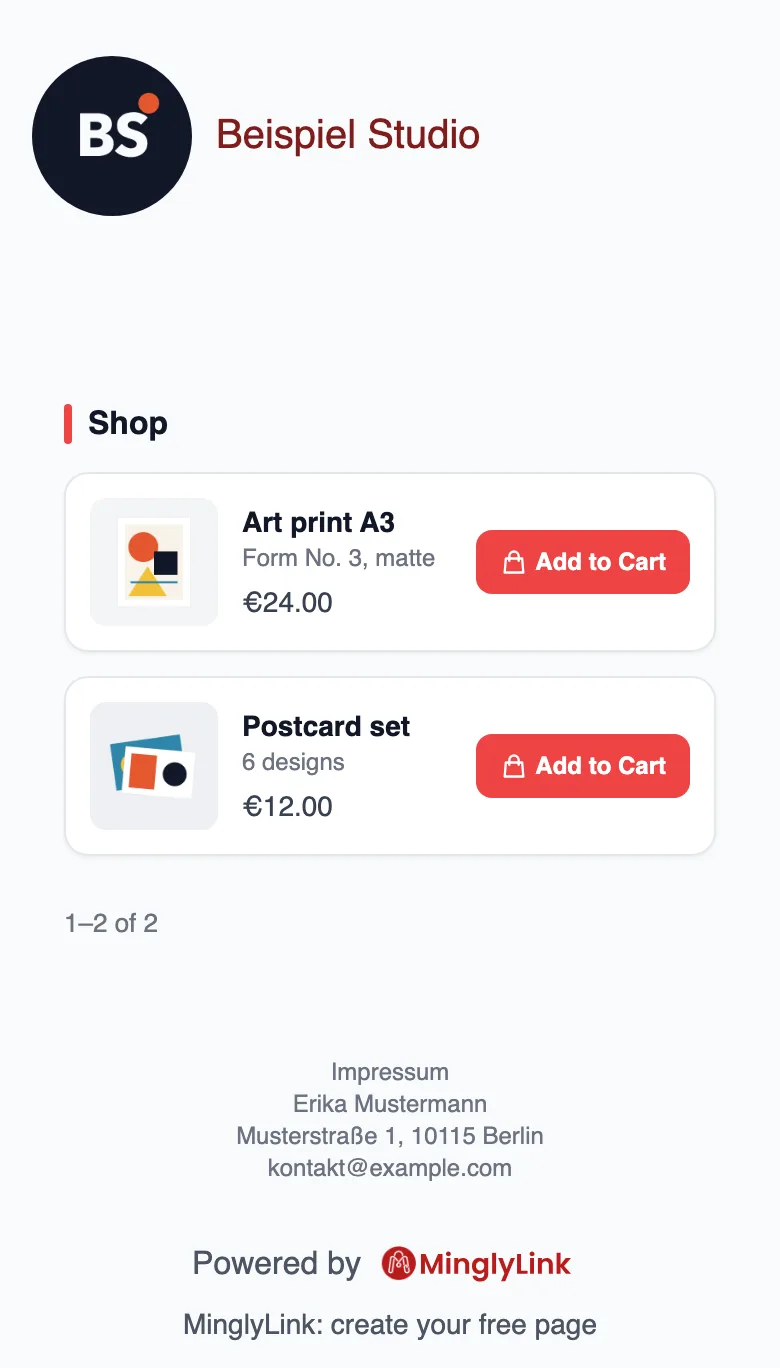
Business pages aimed at Germany or Austria need an Impressum that is easy to reach. MinglyLink pages have a legal-notice field: what you type appears in your page footer, one tap from your Instagram bio. It is free on the one plan.
What it does
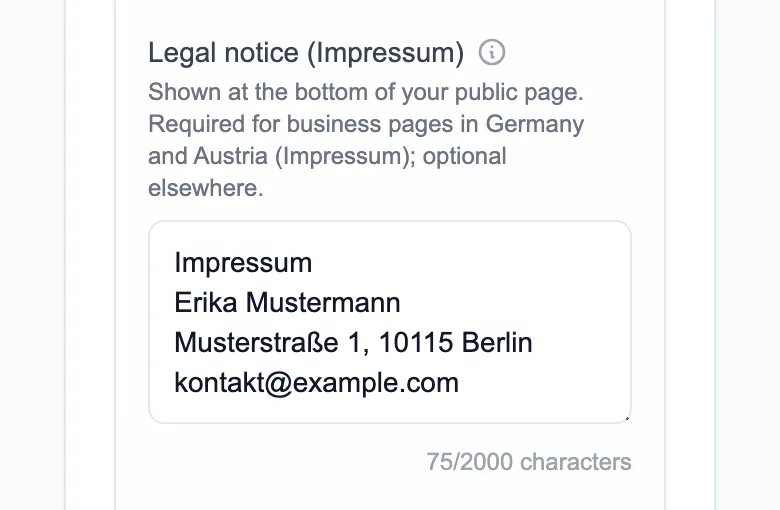
- Plain text up to 2,000 characters, with your line breaks kept.
- Shown in the footer of your public page, under everything else.
- Edited in Studio → Settings → Legal notice (Impressum).
Limits
- Plain text only: no links or formatting.
- MinglyLink doesn’t write or check your Impressum. What it must contain is your duty as the seller under your country’s law.
Set it up
- In Studio → Settings, find Legal notice (Impressum).
- Type your details: name, address and how to contact you, plus anything else your country requires.
- Save and open your page: the text appears in the footer.
Frequently asked questions
Do I need an Impressum on my link-in-bio page?
If you run a business page aimed at Germany or Austria, very likely: German law (§ 5 DDG) requires business pages to have an Impressum that is easy to find and directly reachable. Our German guide explains what goes in it.
How many taps is it from Instagram?
One: the Impressum sits in the footer of the page your bio link opens.
Does MinglyLink check that my Impressum is complete?
No. The field shows what you type; checking it against your country’s rules is up to you.
Every feature is on the one free plan
Links, a shop, orders, booking and an email list on one page.
Create your free page