
A link in bio for podcasters
A podcaster’s link in bio should send listeners to every app in one tap. On a free MinglyLink page you list your show’s links, add up to 6 videos and collect listener emails. Ads from MinglyLink’s own inventory appear on the page, and you get 60% of that ad revenue.
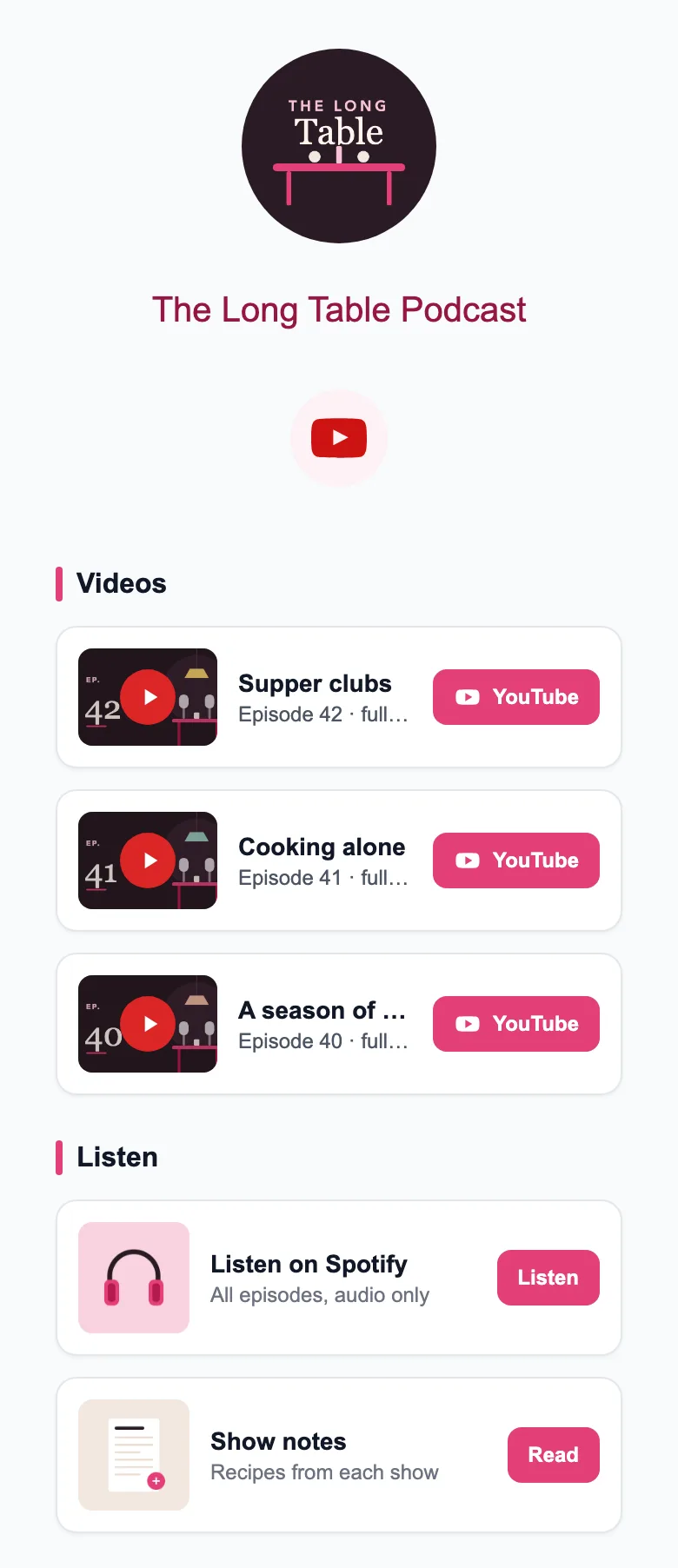
What to put on your page
- Your cover art and a one-line pitch for the show.
- Links to your show on the apps your listeners use.
- Your latest video episodes (up to 6).
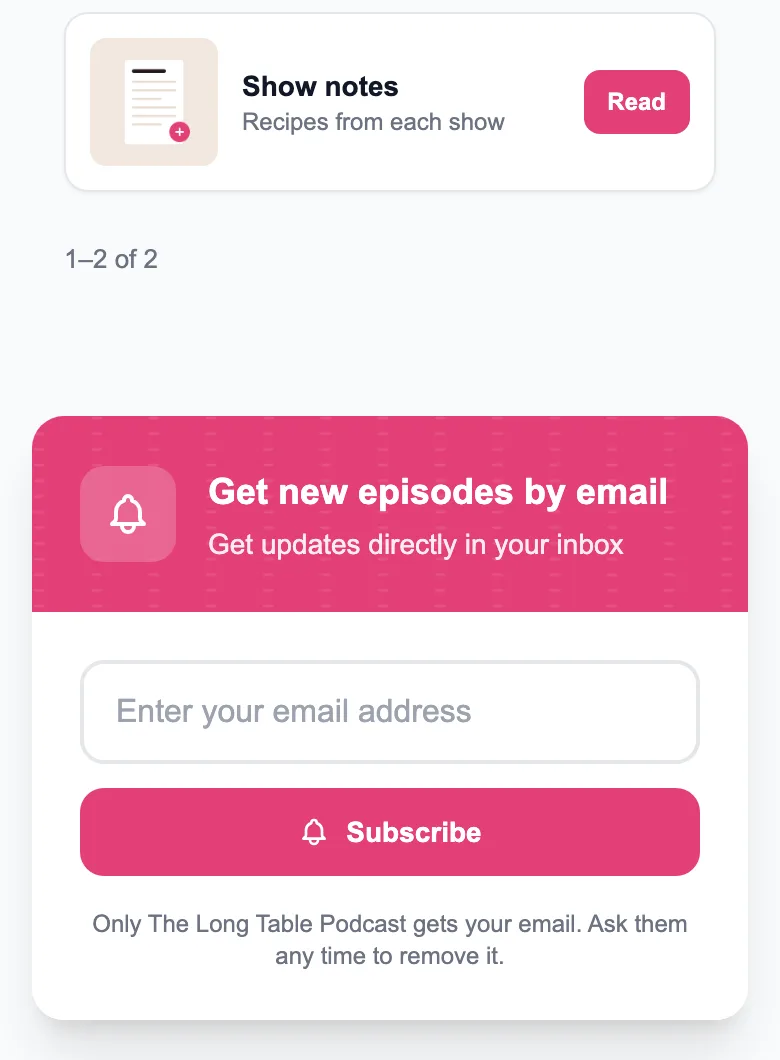
- An email sign-up for new episodes.
- Merch, if you sell it.
- A contact form for guests and sponsors.
What it does
- A QR code for your page (PNG or SVG), up to 6 video links, your own SEO title and description, and a legal-notice (Impressum) field.
- Collect email addresses (with CSV export) and messages through a contact form.
- Analytics: all-time page visits, views and clicks for any date range, and clicks per item.
- Ads from MinglyLink’s own inventory appear on pages and can’t be switched off; the page owner gets 60% of that ad revenue.
Limits
- There is no audio player: link to your episodes or releases, or add the video versions (up to 6 YouTube or Vimeo links).
- Up to 100 items on a page (products, link cards, services, social links and section headers) and 12 quick links.
- No custom domain (pages live at ming.ly/name), and the small “Powered by MinglyLink” footer credit and the MinglyLink mark on QR codes can’t be removed.
Set it up
- Sign up free and claim ming.ly/yourname.
- Add a link card for each listening app under Links.
- Add your video episodes under Video.
- In Studio → Settings, turn on Email Subscription.
- Put the link in your bio and your show notes, and print the QR code for live shows.
Frequently asked questions
Can I embed a podcast player?
There is no audio player: link to your episodes or releases, or add the video versions (up to 6 YouTube or Vimeo links).
Can listeners subscribe to new episodes?
They can leave their email on your page. MinglyLink doesn’t send emails: download the list as a CSV and use your own email tool.
Can I earn from my page?
Ads from MinglyLink’s own inventory appear on pages and can’t be switched off; the page owner gets 60% of that ad revenue. Ad earnings can be withdrawn from $50 to a bank in the UK, the EEA (except Iceland), Switzerland, the US or Canada; Stripe pays them into the bank.
Is it free?
One plan, and it’s free: the shop, booking, analytics, QR codes and email capture are included.
Every feature is on the one free plan
Links, a shop, orders, booking and an email list on one page.
Create your free page