
A link in bio for musicians: music, merch and bookings
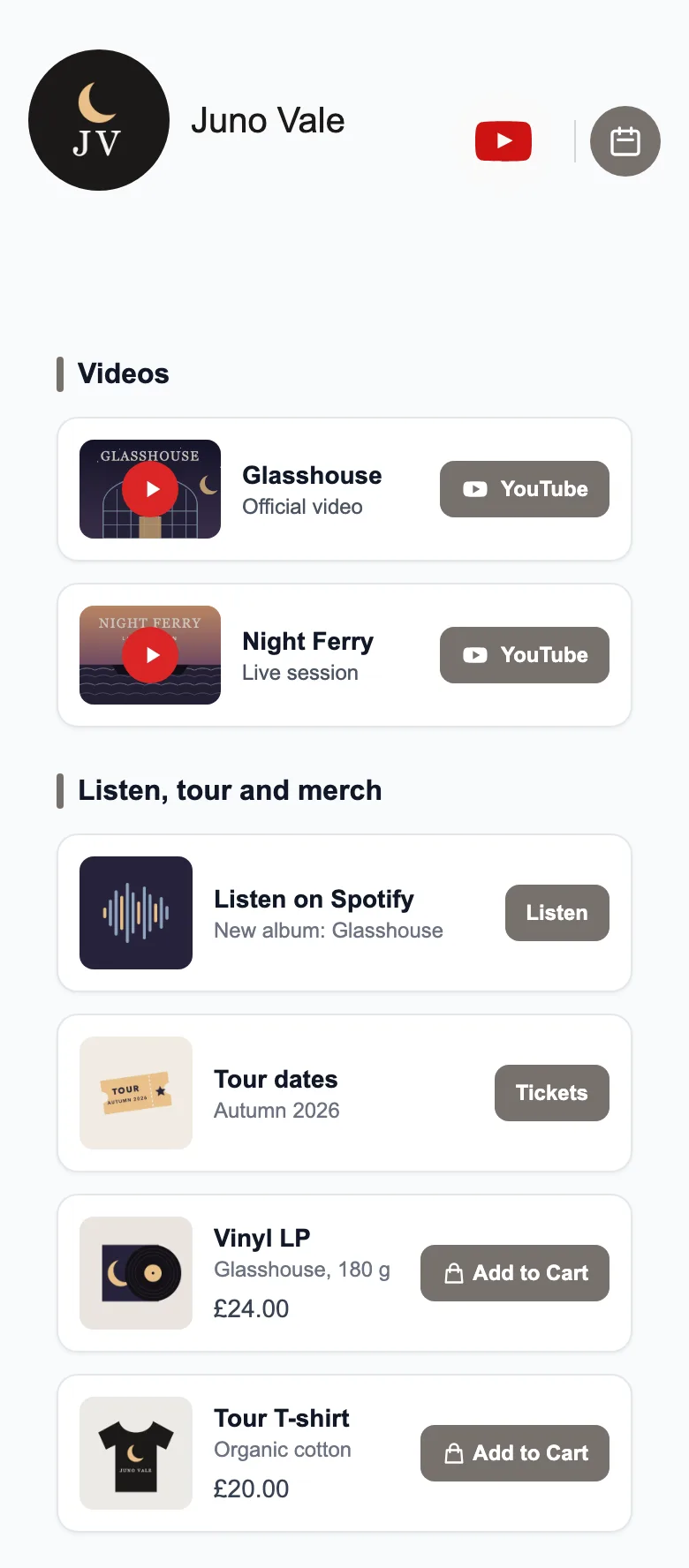
A musician’s link in bio puts your releases, videos, merch and bookings behind one link. On a free MinglyLink page you add streaming links, up to 6 videos, a merch shop with orders and a booking calendar for lessons or sessions; fans pay you directly for merch.
What to put on your page
- An artist photo and your latest release.
- Links to your music on each streaming service.
- Your music videos (up to 6).
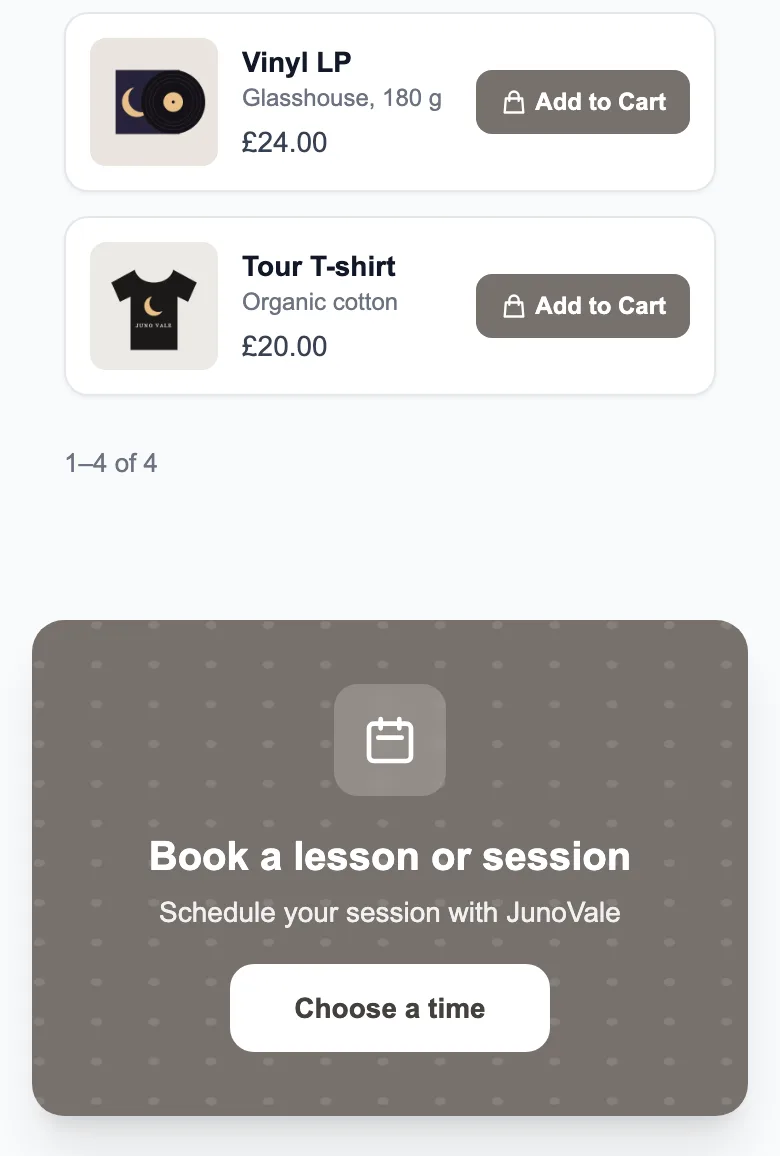
- Merch with photos and prices.
- A booking calendar for lessons, sessions or show requests.
- An email sign-up for releases and tour dates.
- A contact form for promoters and press, and a QR code for posters and the merch table.
What it does
- Buyers add several products to a cart and place one order on your page.
- Every order lands in your orders dashboard, where you move it from Pending to Confirmed, Preparing, Shipped and Delivered, or cancel or reject it.
- Clients request a time slot on your page, optionally for one of your priced services, and you confirm it. They get an email when they book and when you confirm, cancel or complete the booking; replies go to you.
- A QR code for your page (PNG or SVG), up to 6 video links, your own SEO title and description, and a legal-notice (Impressum) field.
- Collect email addresses (with CSV export) and messages through a contact form.
Limits
- There is no audio player, ticketing or pre-save link: link to your releases and ticket sellers instead.
- Not included yet: card payments through MinglyLink, automatic file delivery, stock tracking, shipping rates and order export.
- No automatic reminders, calendar sync, payment at booking or team scheduling yet.
- Up to 100 items on a page (products, link cards, services, social links and section headers) and 12 quick links.
How payments work
MinglyLink takes 0% of your sales. Buyers place the order on your page and pay you directly, however you agree: cash on delivery, bank transfer or your own payment link, outside MinglyLink. When card payments through MinglyLink launch, they will carry the card processor’s fee plus a small MinglyLink fee; orders paid to you directly stay at 0%.
Set it up
- Sign up free and claim ming.ly/yourname.
- Add a link card for each streaming service and your ticket seller under Links.
- Add your music videos under Video.
- In Studio → Settings, turn on Shop for merch and Booking Calendar for lessons or sessions.
- Download your QR code for posters and the merch table.
Frequently asked questions
Is there a free link in bio for musicians with merch and booking?
Yes. One plan, and it’s free: the shop, booking, analytics, QR codes and email capture are included. Fans add merch to a cart and place an order on your page, and the booking calendar takes lesson or session requests that you confirm.
Can I embed my songs?
There is no audio player: link to your episodes or releases, or add the video versions (up to 6 YouTube or Vimeo links).
How do fans pay for merch?
MinglyLink takes 0% of your sales. Buyers place the order on your page and pay you directly, however you agree: cash on delivery, bank transfer or your own payment link, outside MinglyLink. When card payments through MinglyLink launch, they will carry the card processor’s fee plus a small MinglyLink fee; orders paid to you directly stay at 0%.
Every feature is on the one free plan
Links, a shop, orders, booking and an email list on one page.
Create your free page